

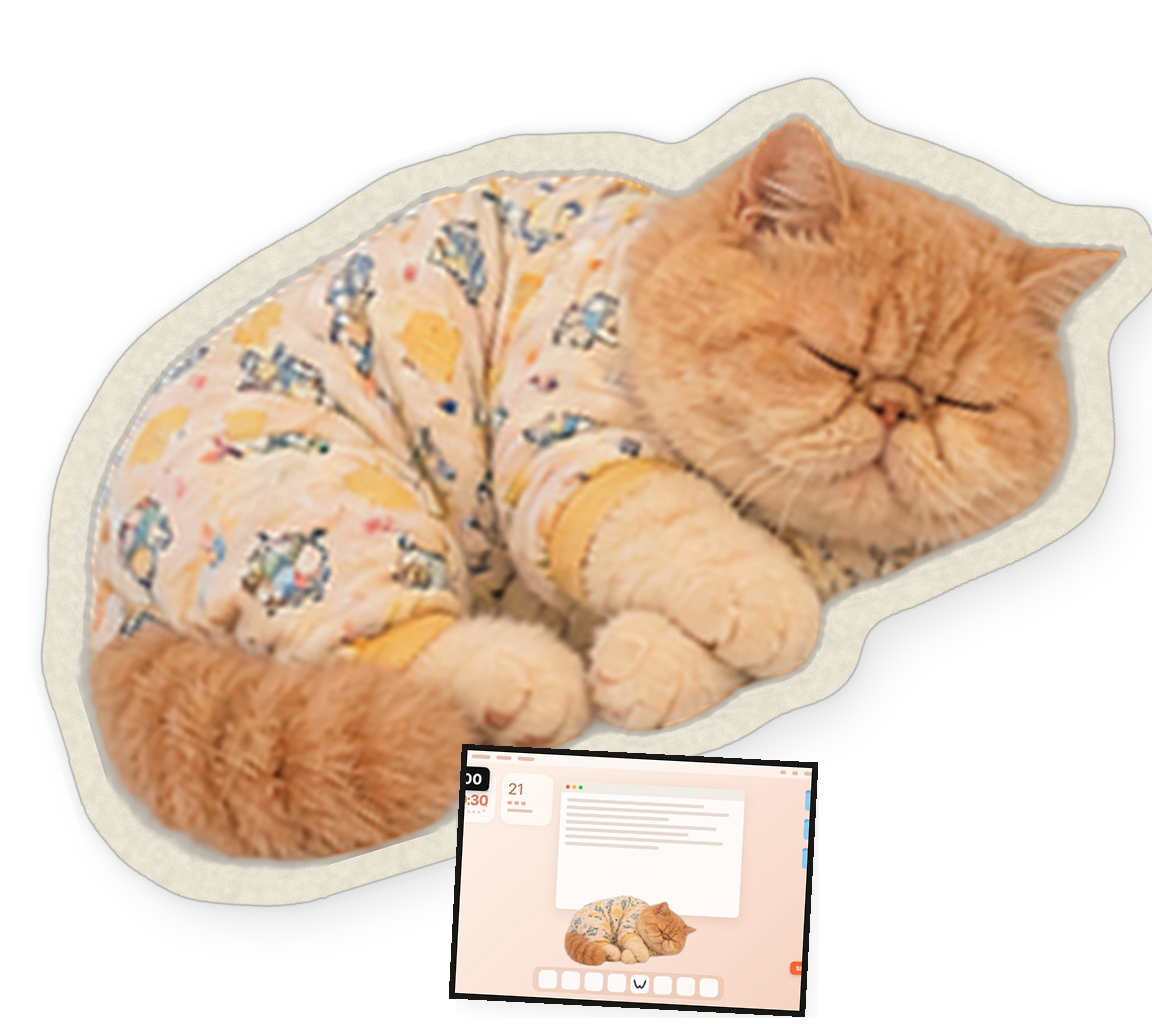
Ginger in pyjamas
The first face you meet. Walks in, curls up, and dozes through your break. Default.
official desktop app · macos 13+
0.1
FREE
Wiggo watches the clock so you don't have to. At zero, a cat walks onto the screen and naps over whatever you were doing. Stroke it and it purrs. Then the break ends by itself.
Every frame above is recorded from the app itself. Nothing is mocked up.
The first face you meet. Walks in, curls up, and dozes through your break. Default.
A tiny astronaut in pyjamas, ready to nap among the stars on your desktop.
Drawn in code, with head, ears, tail and paws animated separately.
Or import a photo of your own cat or dog: the background comes off on this Mac, and it roams the screen with an optional coloured outline.
Work length and break length, then start. Close the window — the timer keeps running from the menu bar.
At zero the cat appears above every window, with the time left in a small box at the top left.
Stroke it, click it, or let it nap. Need out early — the Shoo cat button at the bottom right, and the next work block starts by itself.
The timer, cats and photos need no server — and there's no telemetry.
macOS 13+ · free in 0.1 · no account needed
This build is an ad-hoc signed developer preview. On first open, macOS will ask you to confirm it in System Settings → Privacy & Security — that prompt is real, and it is the whole of the security story today.